
When trying to login to the SQL Server database, you may get the following error message
Connection failed:
SQLState: '28000'
SQL Server Error: 18456
[Microsoft][SQL Server Native Client 11.0][SQL Server]Login failed for user 'VisureUser'
This error typically appears when you are trying to connect to SQL Server with a SQL Server user, but only Windows Authentication is enabled. This is the default configuration.
To change this configuration, right click on top of the repository and select Properties.
Inside the properties, go to Security, and select the "SQL Server and Windows Authentication mode" option.
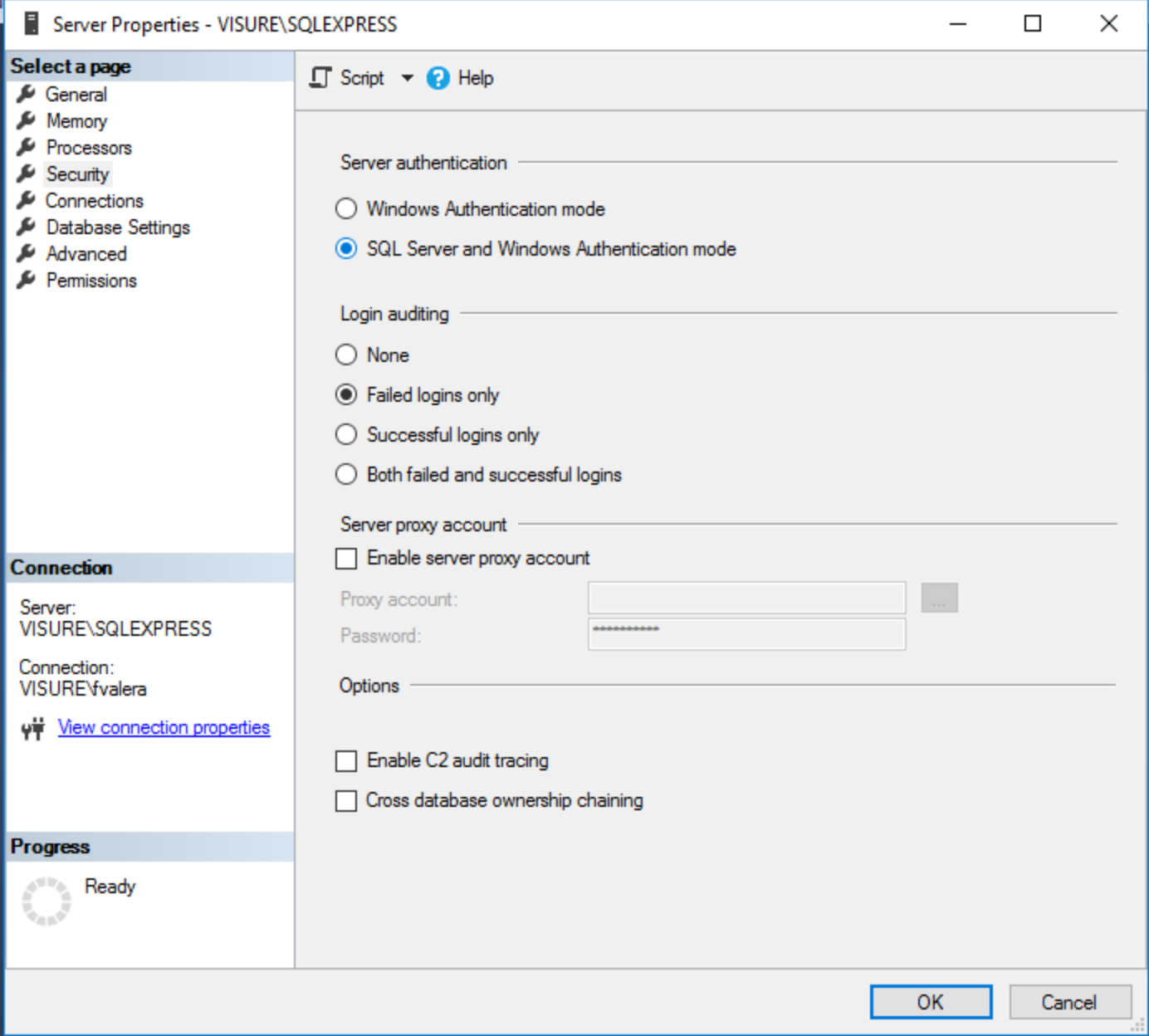
Restart the database server.
Comments
0 comments
Please sign in to leave a comment.