
In some situations you can find that when you import your document to Visure Requirements you may have some hanging indents and other formatting issues that need to be adjusted.
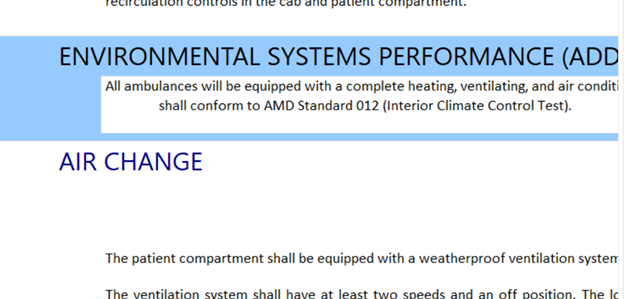
To fix this:
1. Go to the description panel
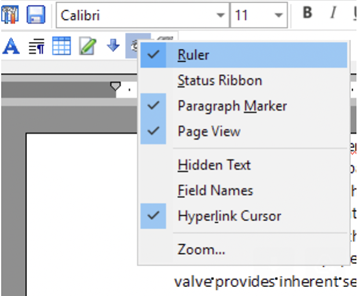
2. Display the Page view by clicking on on this icon (optional):

3. Display the rulers:
4. Delete the space before the first word
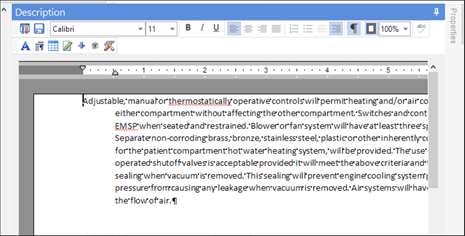
5. Remove the additional tab indent by moving the lower tab icon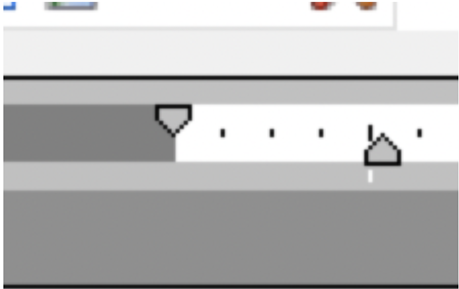
After following these steps the hanging indent issues should be gone.
Comments
0 comments
Please sign in to leave a comment.