
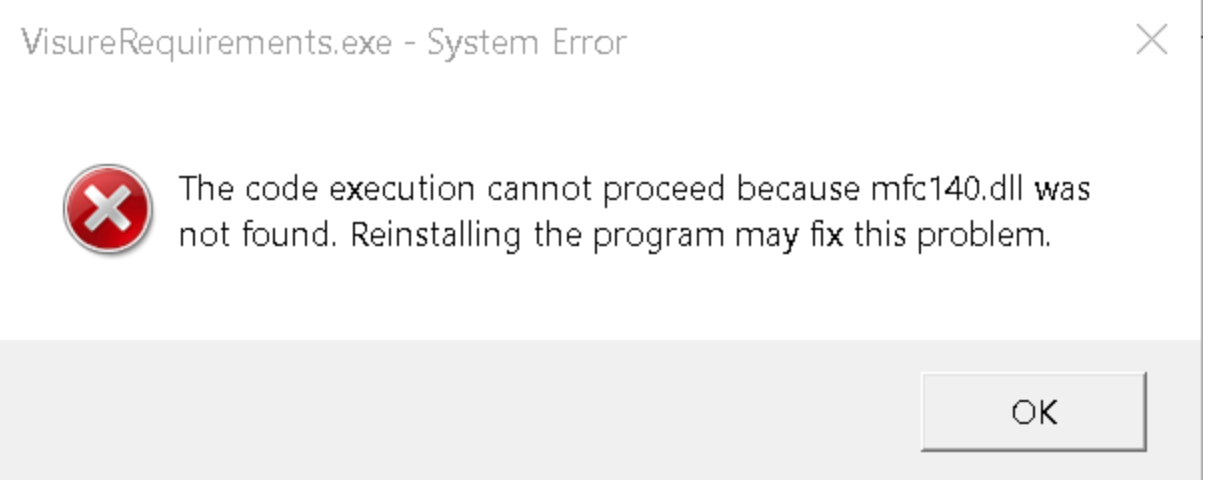
When starting Visure Requirements ALM Client, an error message pops up mentioning that mfc140.dll cannot be found:
To solve this, let's follow these few steps.
Step #1
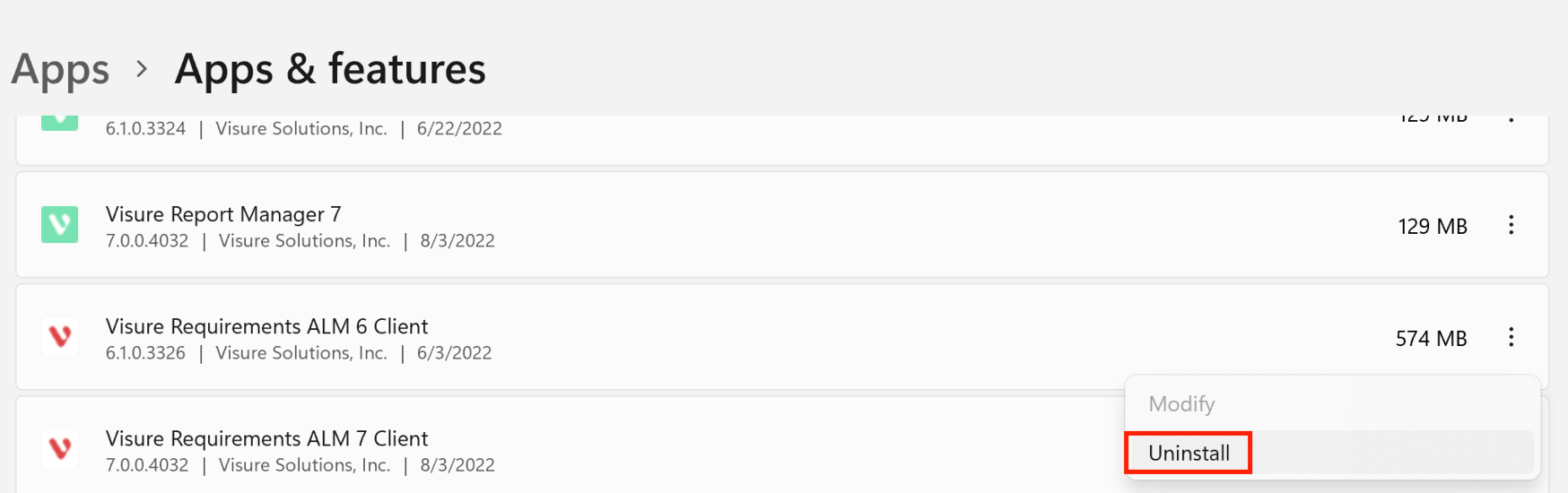
Uninstall Visure Requirements ALM Client. This can be done from the Add & Remove section:
Step #2
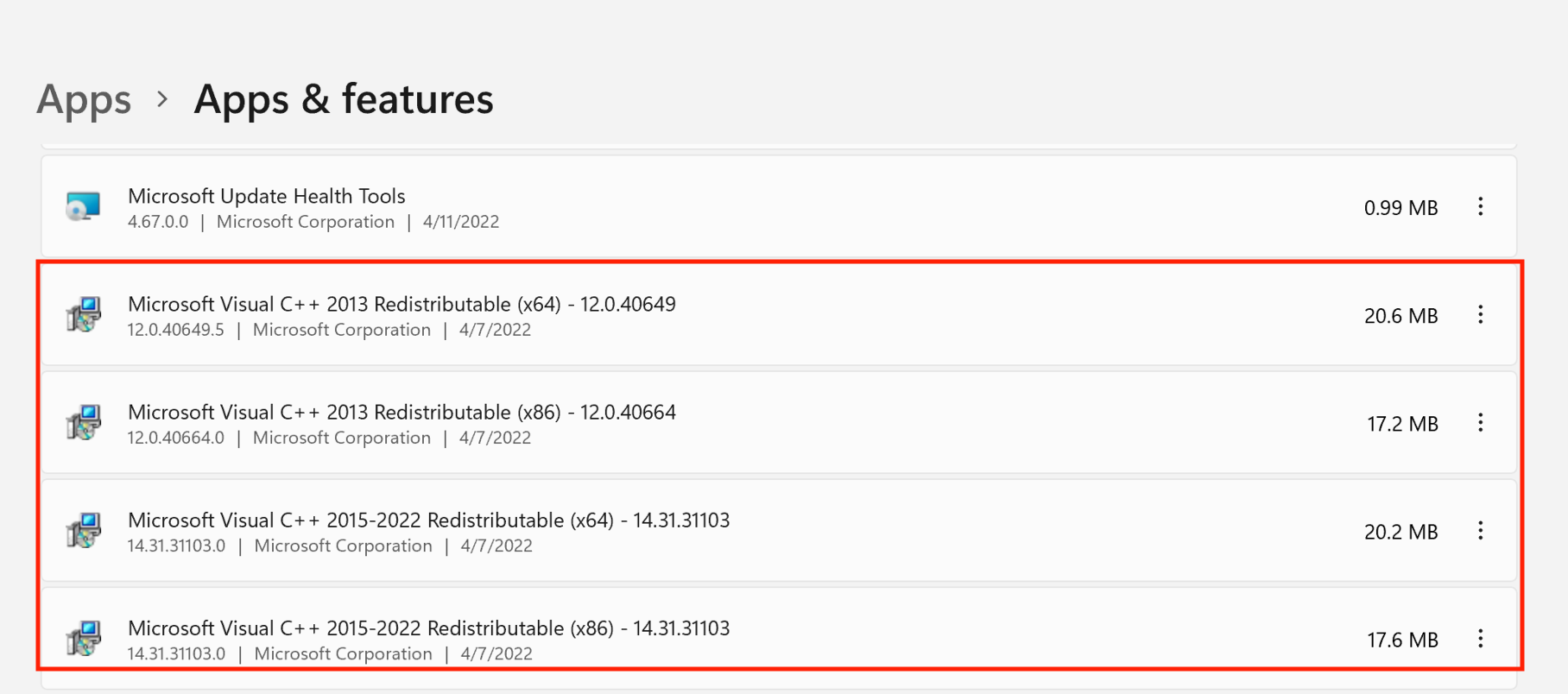
Uninstall the Microsoft Visual Studio/C++ redistributables.
From the Add & Remove programs section of windows, go ahead and uninstall them:
Attention: if you are running Visure Server on the same machine, you will also need to uninstall/reinstall Visure Server so that the needed redistributables are downloaded and installed again.
Step #3
Reinstall Visure Requirements ALM Client. The Microsoft Visual Studio/C++ redistributables are going to be downloaded and installed along the way, thus solving the initial issue.
Comments
0 comments
Please sign in to leave a comment.