
Here is how to fix the following error:

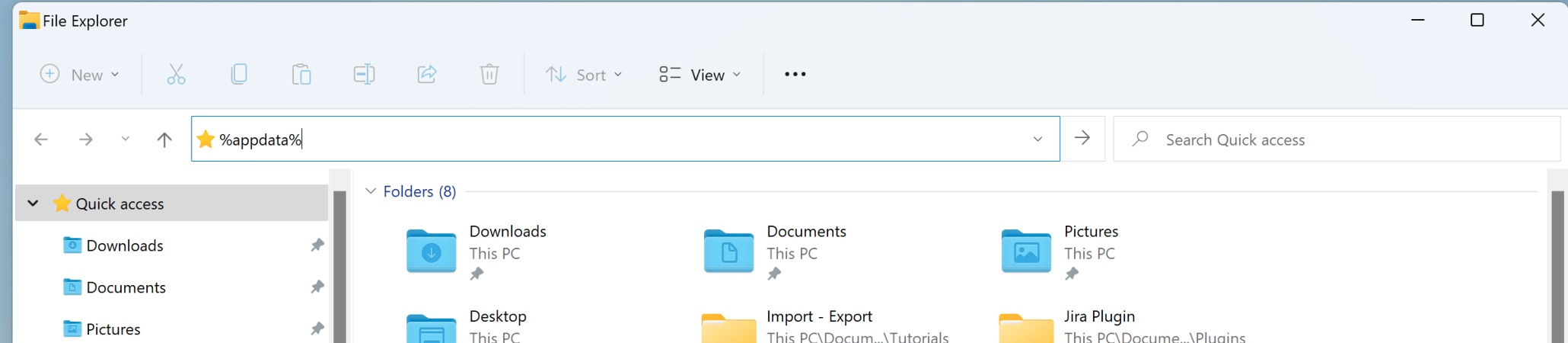
1 - Type '%appdata%' in the URL bar of Windows File Explorer:
2 - Then, follow the path: C:\Users\YOUR_USER\AppData\Roaming\Visure\VisureRequirements\ExportToWord
3 - Finally, delete the file "XML_ExportToWord_Srv.xml"
Try again to perform the export, the error should now be gone.
Comments
0 comments
Article is closed for comments.